
Traffic Court Records in Palo Pinto County
Five Justice Courts serve Palo Pinto County. A county traffic case starts in the precinct listed on the ticket. Each precinct keeps its own case record and contact route. Mineral Wells Municipal Court is separate. It handles fine-only Class C misdemeanors there. Those cover traffic offenses, Penal Code offenses, and city ordinances. So a ticket from Graford, Strawn, Gordon, or Mingus does not belong in a Mineral Wells search just because the town sits inside Palo Pinto County.
The issuing court owns the case record. Inside it you may find the citation, plea, court dates, requests, and orders. Payments, disposition, and copy history appear there too. The county JP payment hub links out to five precinct vendors. Treat it as a payment path, not a countywide docket search.
Palo Pinto Traffic Court Routing
The precinct or court name on the citation is your best routing fact. It beats your home address every time. City police tickets often land in a municipal court. County citations go to a Justice Court based on who issued them. If the ticket is smudged or hard to read, call the listed court first. Never type private details into a portal before that.
| Citation source | Record custodian | Public route |
|---|---|---|
| Palo Pinto County JP precinct | That Justice Court | Precinct phone, counter, mail, or linked vendor |
| Mineral Wells city citation | Municipal Court Clerk | Municipal search, phone, fax, mail, or counter |
| Other city citation | Court printed on ticket | Contact issuing court; no official local portal was found |
Skip the county event calendar for ticket lookups. It offers no party or case-number field, so it cannot serve as a traffic citation database.
How to Look Up a Traffic Ticket
Have your citation number and court name ready. Mineral Wells runs a public interface with several search modes, while the county's official hub sends JP users to separate vendor pages. Remember that a payment screen can show less than the full clerk file. When the gap matters, ask the court for a docket history or a certified copy.
- Read the citation and identify the issuing city court or JP precinct.
- Use the court's official online link, if one is listed, and prefer citation-number search.
- For Mineral Wells, use citation number and date of birth or another offered mode.
- If no result appears, call the court or visit its counter. New citations may not yet be posted.
- Write down the appearance date, current status, amount shown, and any response instructions, then confirm them with the court.
Other channels still work. Call the court for case-specific direction, inspect the file at the counter, or use mail or fax where published. Statewide, re:SearchTX can add a discovery layer for courts that supply data. Even so, it never replaces the issuing court.
Mineral Wells Citation Search
The Mineral Wells citation portal offers five search modes. Enter private details only for your own case, and keep them out of any notes meant for public use.
| Mode | Fields | Format or control |
|---|---|---|
| Citation Number | Citation number and date of birth | DOB in MM/DD/YYYY form |
| Driver's License | License number, state, DOB | State dropdown |
| Vehicle | Plate, state, vehicle control | Image challenge may appear |
| Name | First name, last name, DOB | All displayed together |
| Business | Business name | Separate mode |
The official portal view shows those choices.
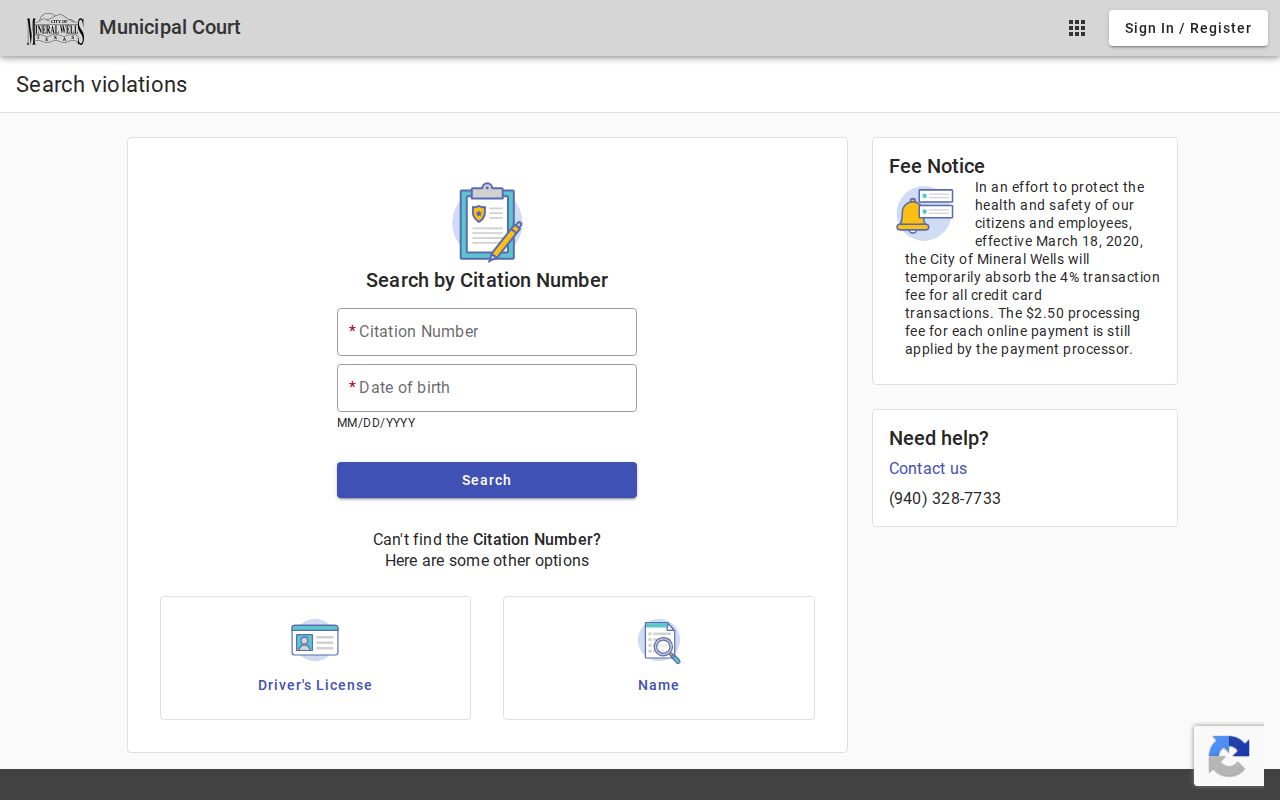
Its Search, Sign In, and Register controls all require JavaScript. To study the interface safely, review it with empty fields.
Palo Pinto Traffic Court Precincts
Every Justice Court keeps its own office and case file. The official JP pages list these contacts. JP1 sits at P.O. Box 129, Palo Pinto, (940) 659-1202; JP2 at 11225 State Highway 337, Graford, (940) 664-2212; JP3 at 328 N FM 2353, Suite 2, Graford, (940) 779-3551; JP4 at 204 W Oak Street, Gordon, (940) 329-3141; and JP5 at 100 SE 6th Avenue, Suite 103, Mineral Wells, (940) 659-1272. One caution applies to JP4. The current elected-officials list and the older JP4 page disagree on the judge's name. Verify before relying on it. The pages that follow show each precinct's distinct route.
JP1 publishes its traffic and payment instructions.
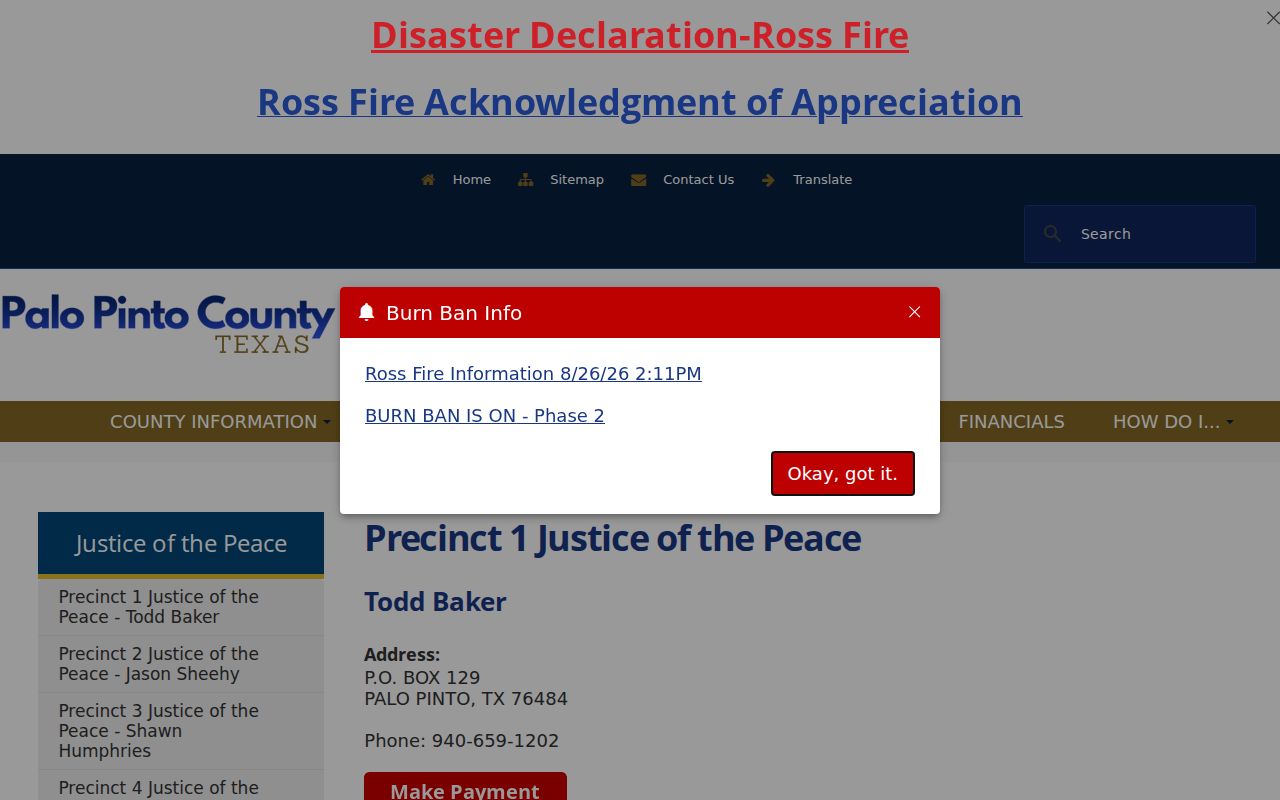
The same page states its driving-safety-course route is not online. JP2 provides plea and self-help links.
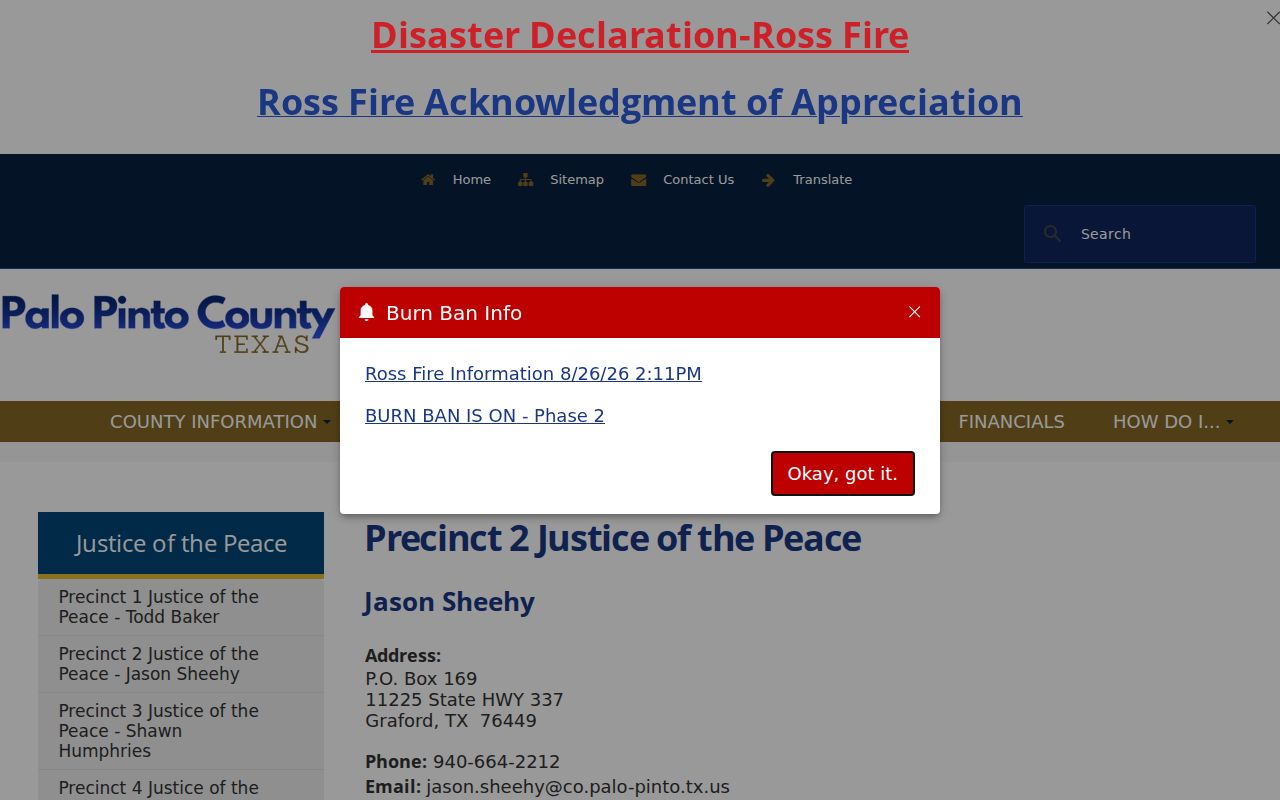
Those court-specific forms differ from a plain vendor payment. JP3 publishes contact and payment details.
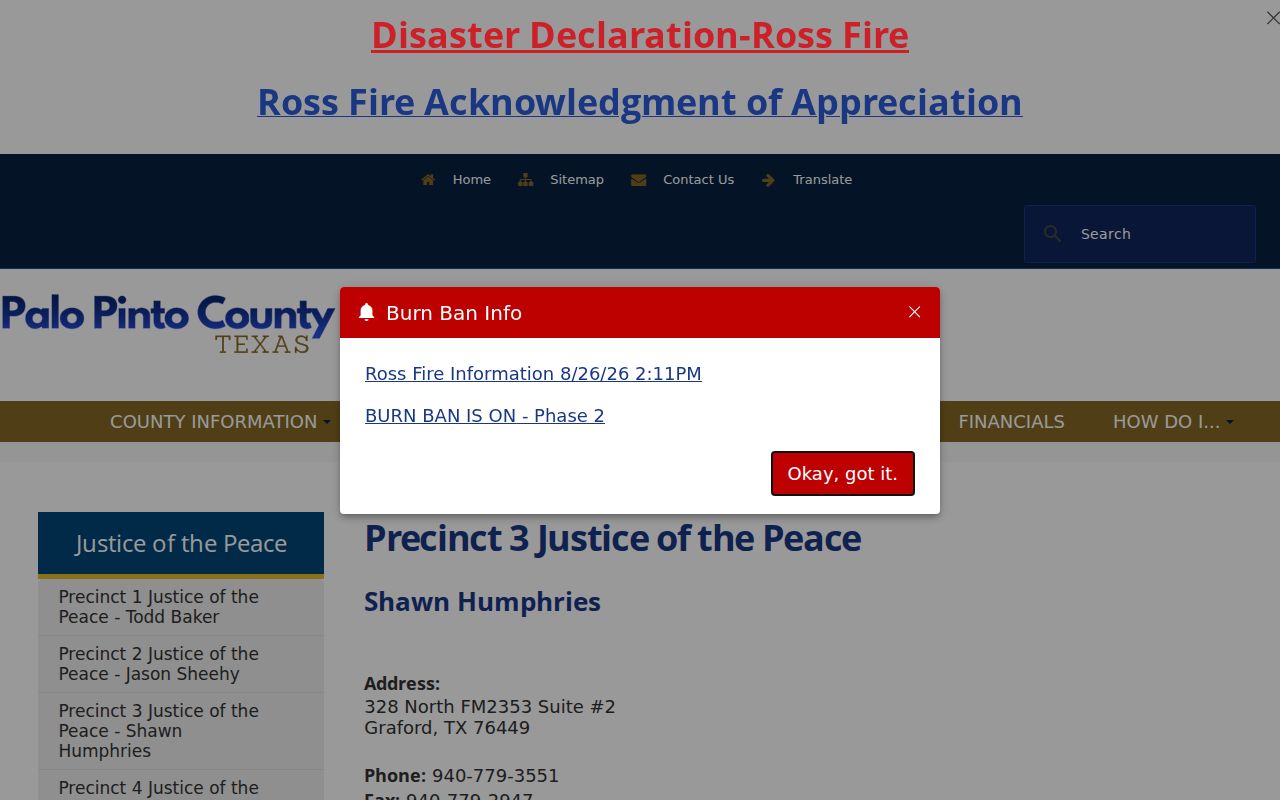
For directions tied to a case record, call or fax JP3, and note that JP5 provides packets and payment access.
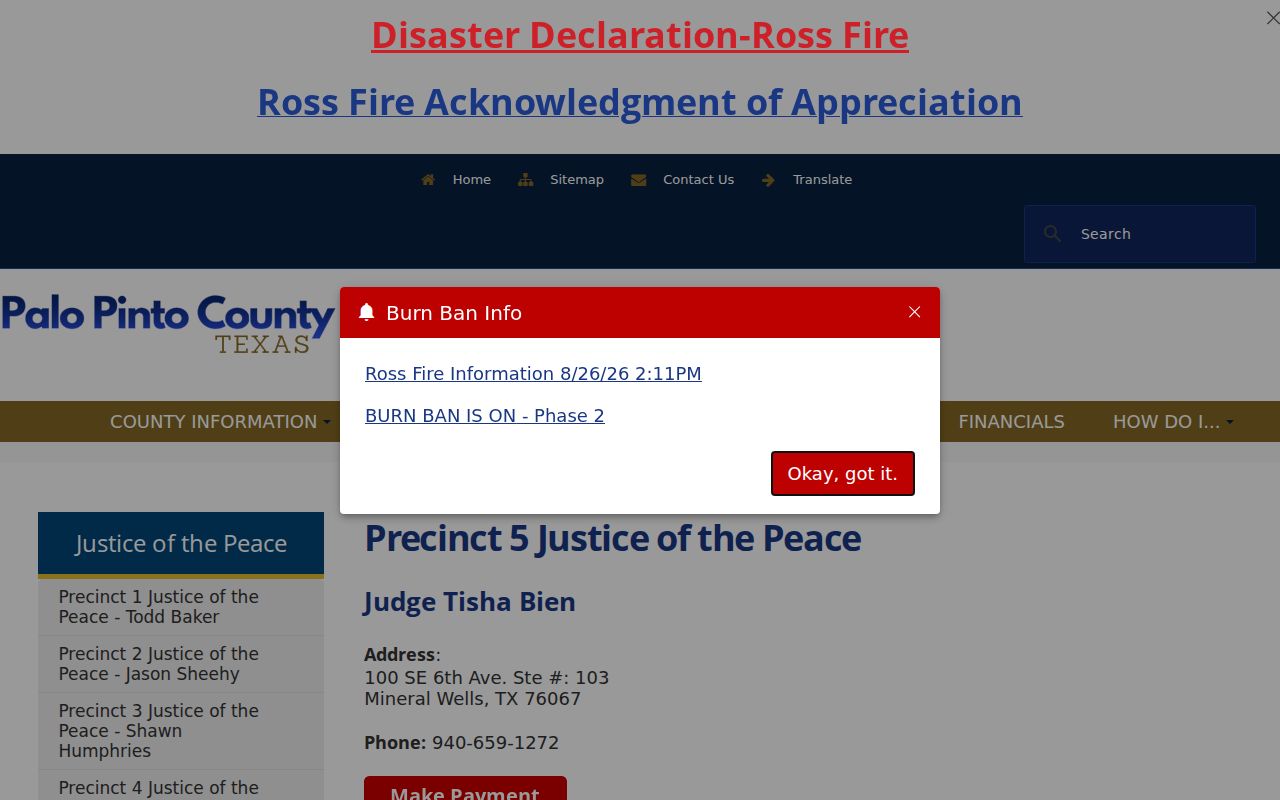
The Palo Pinto County court in Mineral Wells is not the same as the Municipal Court, even though they sit in the same town.
Finding Your Traffic Court Date
The appearance date on the ticket controls. Start there. Palo Pinto County posts no single online deadline for payment, a contest, a course, deferred disposition, or a reset, so confirm any later setting with the court before you drive anywhere. A calendar entry or a vendor balance may not tell the whole event history.
| Citation Number | The ticket identifier, shown as citation number on ticket; no universal county format is published. |
|---|---|
| Issuing Court | The JP precinct or city court that keeps the case. |
| Issue Date | The date the citation was issued. |
| Appearance Date | The printed response date unless the court changes it. |
| Setting | Arraignment, pretrial, trial, or another court event if assigned. |
| Status | Pending, paid, dismissed, disposed, reset, or another clerk status. |
If a setting moves, ask for the new date. Get the order or docket entry that records it too. The general Palo Pinto County court calendar adds context, but the issuing court remains the source.
Palo Pinto JP Payment Hub
The county payment page sends JP1 to Go2Gov. JP2 through JP5 go to GovRec vendor pages. It works well once you know your precinct. What it will not do is merge the five traffic dockets. It also will not rule on eligibility for another option, or stand in for a clerk-certified record.
The official payment hub view shows the five separate links.
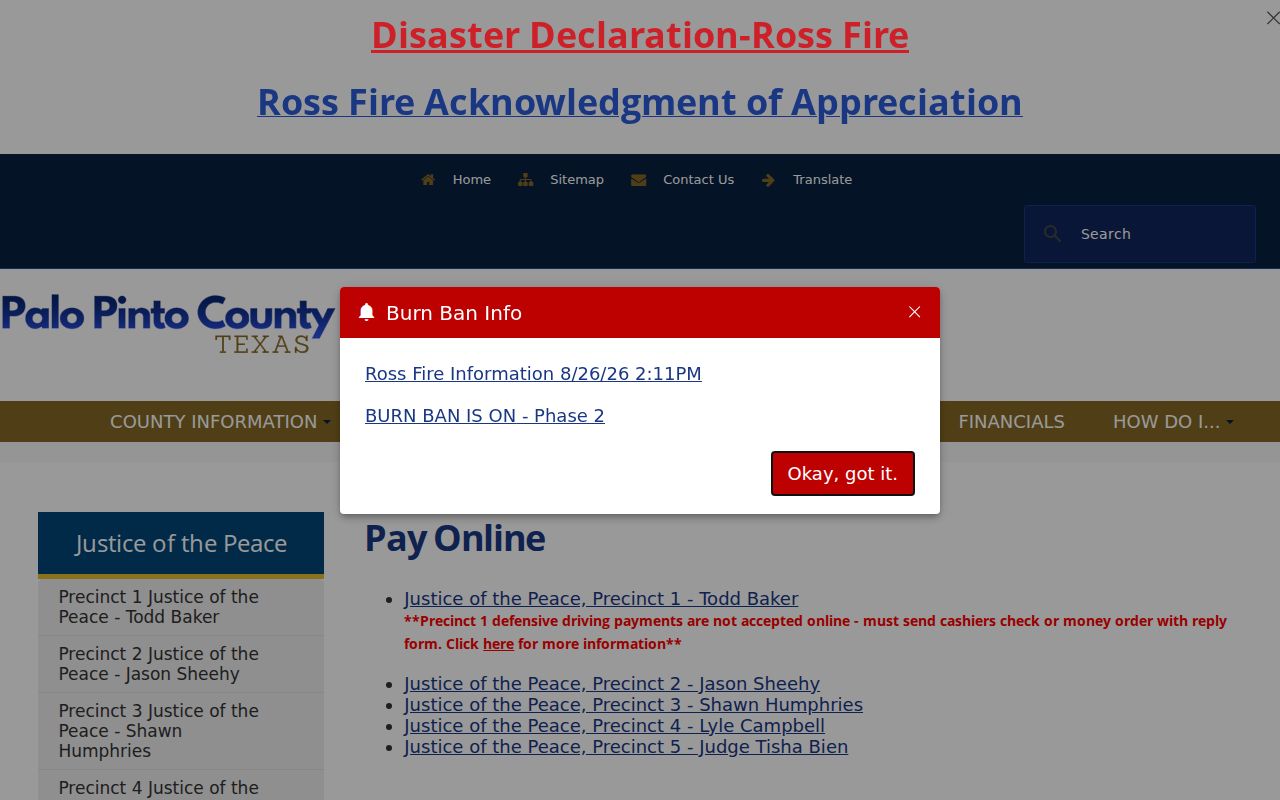
That split is a practical warning: confirm the precinct before you pay. A payment built on the wrong assumption may never reach the cited case.
Note: Ask the issuing Palo Pinto County court about accepted methods and the current vendor charge before submitting funds.
Paying or Contesting a Ticket
Paying a Palo Pinto County traffic ticket and fighting it are not the same act. Paying counts as a plea of guilty or no contest. The court file shows a disposition after it. Pleading not guilty works differently. The court then sets a trial or another hearing. You can request a driving course, deferred disposition, a reset, or a dismissal. Each request follows its own court rules. Whatever the ticket and the issuing court currently instruct is what controls.
| Paying | Contesting |
|---|---|
| Follow the correct court's payment route. | Enter the required plea with the issuing court. |
| May resolve the charge as a conviction. | Produces a trial or hearing setting. |
| Online, mail, or counter methods vary. | Written or in-person method varies by court. |
| Confirm amount and processor charge. | Confirm deadlines, evidence, and appearance terms. |
Do not miss the appearance date: Palo Pinto County publishes no uniform failure-to-appear rule for all five precincts and the city court. Contact the issuing court at once for the current status and steps.
JP1 is direct about one thing. A driving-safety-course request cannot be made online. The court gives a mail route instead, using its reply form plus a cashier's check or money order. That route is separate from the online payment link.
Mineral Wells Traffic Court Office
The Mineral Wells Municipal Court sits at 211 SW 1st Avenue, Mineral Wells, Texas 76067. Its phone line is (940) 328-7733. The fax is (940) 328-7732, and the office keeps Monday through Friday hours of 8:00 a.m. to 5:00 p.m. Mail should go to P.O. Box 460, Mineral Wells, Texas 76068. Karen Glover, the Municipal Court Clerk, is the published contact. The official Municipal Court page lays out the court's Class C and ordinance work.
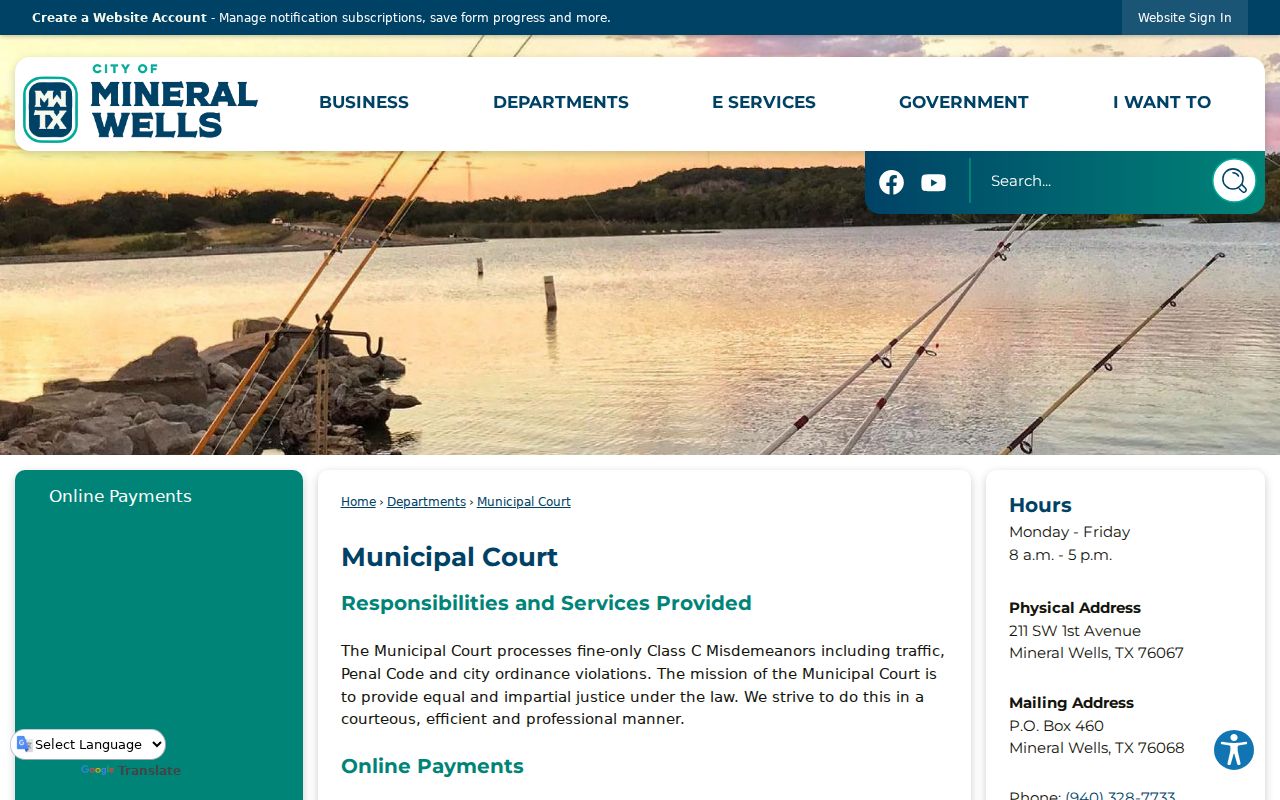
That page posts a warrant list too, but with strings attached. The list is reference-only, valid just for its stated period, and no one may treat it as authority to arrest. A current clerk check remains the real answer on any warrant.
Court Traffic Record vs Driver Record
Two different offices hold these two files. The Justice Court or municipal clerk keeps the court record, which documents one citation case from filing to outcome. The Texas Department of Public Safety keeps the state driver record. Knowing which office holds which record tells you where each official copy comes from. A court docket search should track the citation, the court date, the plea, any order, and the disposition.
| Point | Court traffic record | State driver record |
|---|---|---|
| Custodian | Issuing JP or municipal court | Texas Department of Public Safety |
| Contents | Citation, plea, settings, orders, payment, outcome | State-maintained driving history entries |
| Request route | Court portal, phone, counter, mail, or copy request | Texas DPS official record channel |
A blank result from a vendor site settles nothing about what either official office holds, so confirm with the source.
Palo Pinto Traffic Record Copies
For copies in Palo Pinto County, ask the issuing court for what you need: a docket history, disposition, receipt, course order, dismissal, judgment, or certified copy. Give the citation number, the court, the issue and appearance dates, the item requested, the delivery format, and your contact details. A narrow request lets the clerk pull the right file fast and quote the right charge.
| Item | Published fee | Limit |
|---|---|---|
| Mineral Wells online payment processing | $2.50 per payment | Recheck the live notice |
| Justice Court traffic file copy | Not published countywide | Ask the issuing precinct |
| Municipal court certified copy | Not captured in official research | Ask the Municipal Court Clerk |
One caution on fees. The Mineral Wells portal still shows old language about a four percent card fee. It says the fee was absorbed from a 2020 date. That notice may be stale, so confirm the live charge before you pay. Palo Pinto County sets no uniform traffic copy fee. A clerk's quote beats borrowing rates from the County Clerk or District Clerk.
Palo Pinto Traffic Record Privacy
A public traffic case can still hold protected personal data. Do not publish data pulled from a search form. That includes dates of birth, license numbers, plates, vehicle details, private names, or payment data. When a public file has fields that should stay private, request a redacted copy. Sealed or expunged matter and nonpublic attachments may be withheld as well.
The Mineral Wells warrant list carries its own time limit and disclaimer. Do not reproduce its names or lean on an old image. For an unresolved case, contact the clerk and ask for the current court entry.
Note: A citation portal is a case-access tool. Its private search fields should be used only for a person's own matter.